My Services: How to recover your lost login?
You want to sign in to My Services but you can’t remember your login, this short guide puts you in the exact situation and shows you how to use your credentials recovery option to get back into the portal quickly and securely.
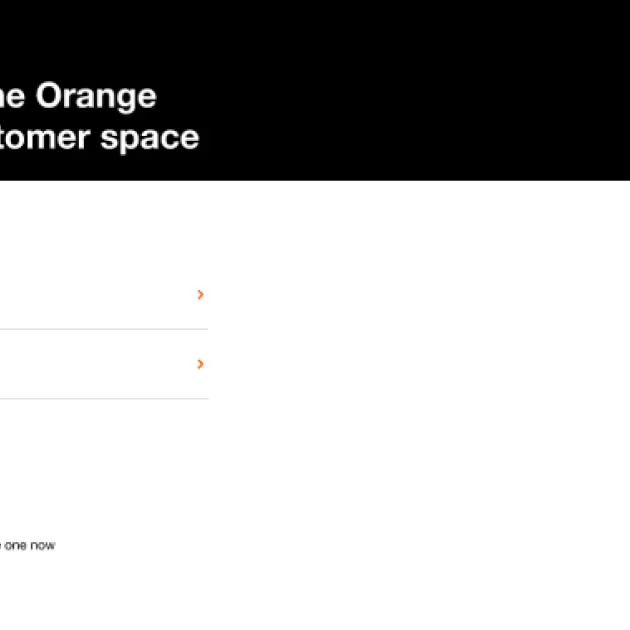
From Your Authentication Page
From your authentication page on “My services”, click on the "I've forgotten my login" option to open the login recovery form.
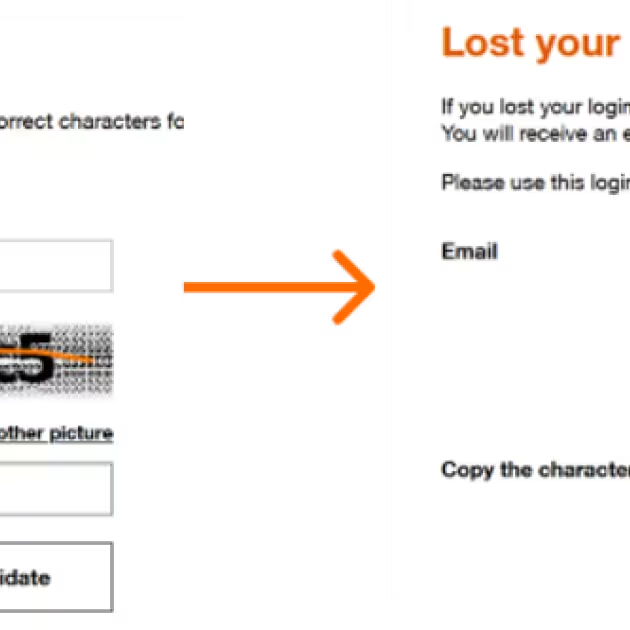
Step 1: Enter your email
Type the email you used for your account in the Email field.
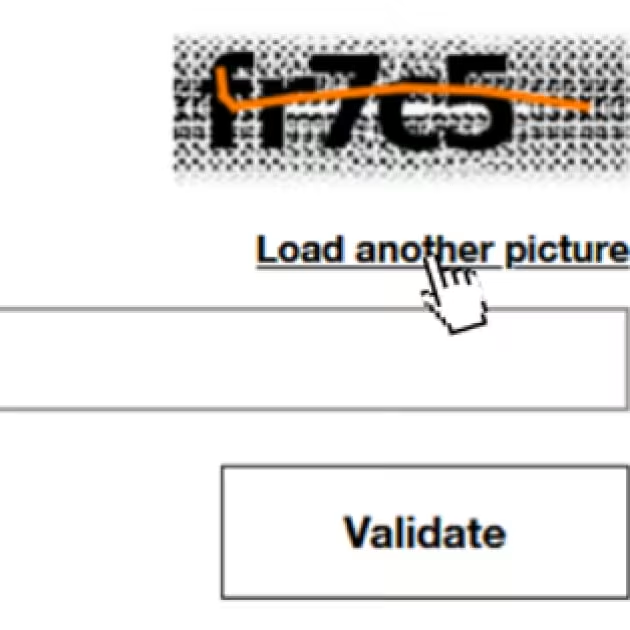
Step 2: Copy the characters (captcha)
Look at the small captcha image and type the characters into the dedicated box.
click "Load another image" if the letters are hard to read.
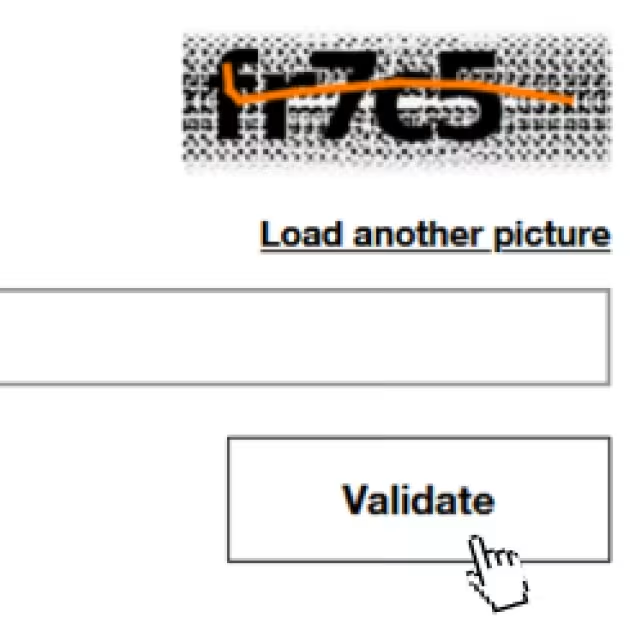
Step 3: Validate
Click the "Validate" button to submit your request.
- Your request, then, will be received and in a few seconds, you’ll receive an email with the instructions to recover your Login.